 Live
Live
SydneyHotel lobby

AiCastTV lets teams manage and deliver content to TVs across offices remotely — no hardware, no IT headaches, instant updates worldwide from a single dashboard.
From $12.99/screen/month · No credit card required
See AiCastTV in action
Office receptions, cafes, hotels, live event halls — AiCastTV powers screens in every environment.
Live
 Live
Live
 Live
Live
 Live
Live
 Live
Live
 Live
Live
 Live
Live
 Live
Live
 Live
Live
Trusted by modern workplace teams worldwide
From first login to content playing live on your office TVs — the whole process takes under 10 minutes. No technical background needed.
Open the TV browser, enter your unique URL, and the screen joins your account. No apps or dongles required.
/tv/… for each screenSign in to the console from any laptop or phone. Upload videos, images, and announcements securely.
Select a location or room and push content instantly. Preview and adjust display options when needed.
Broadcast now or queue content for later. Perfect for campaigns, all-hands, and recurring playlists.
AiCastTV powers screens in offices, conference rooms, lobbies, and more — so your message is always visible at scale.
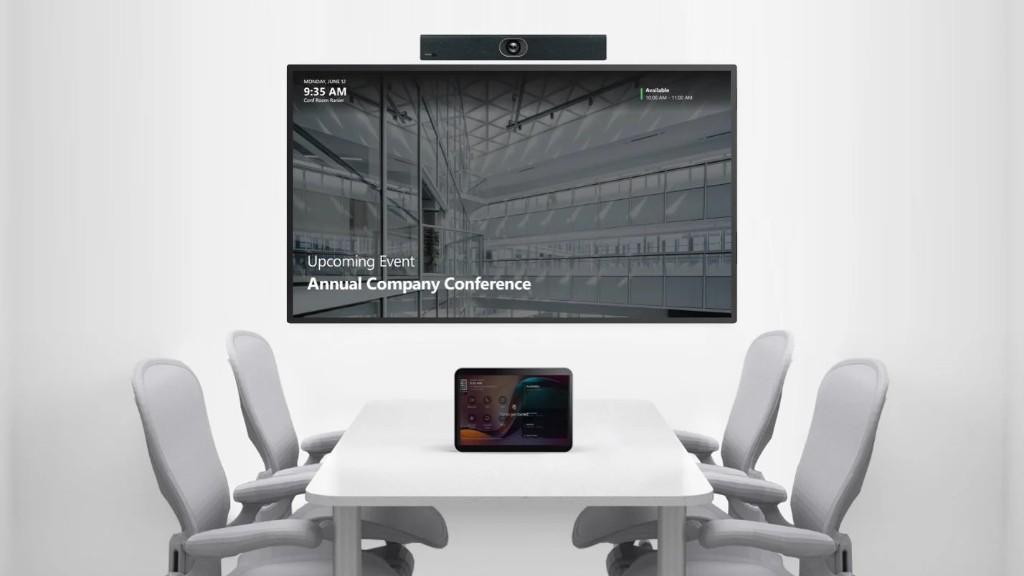
Update meeting-room displays remotely — no trips to each floor.
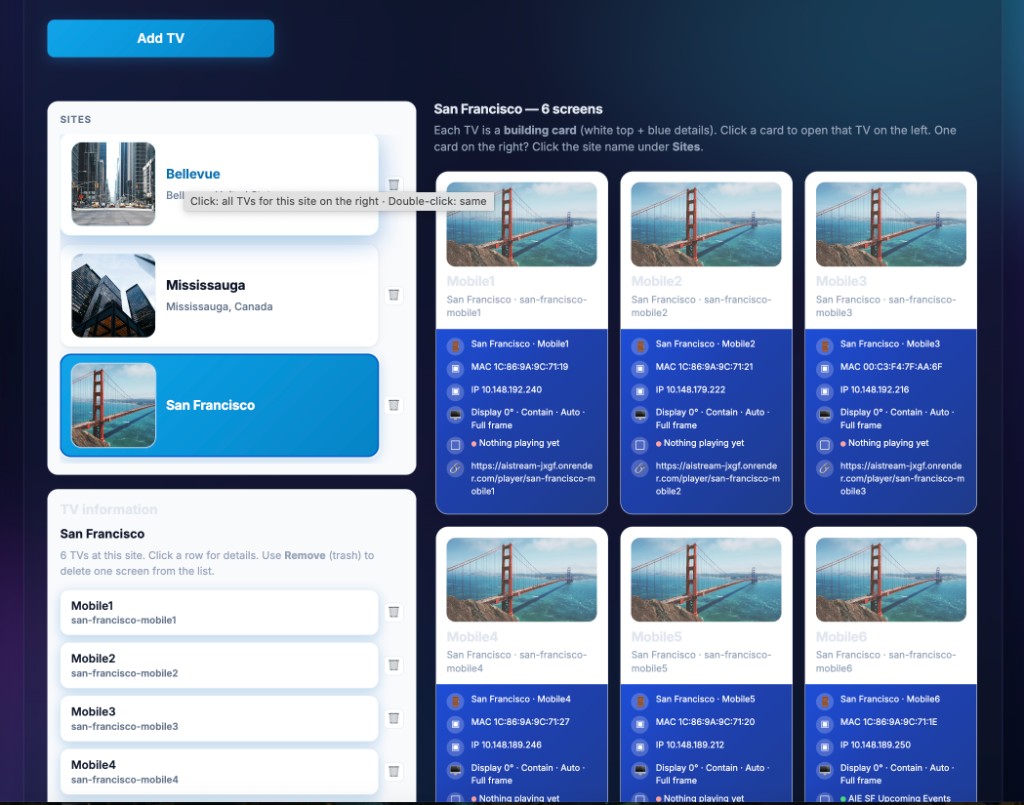
One hub for every city, building, and screen — organized the way your AV team works.
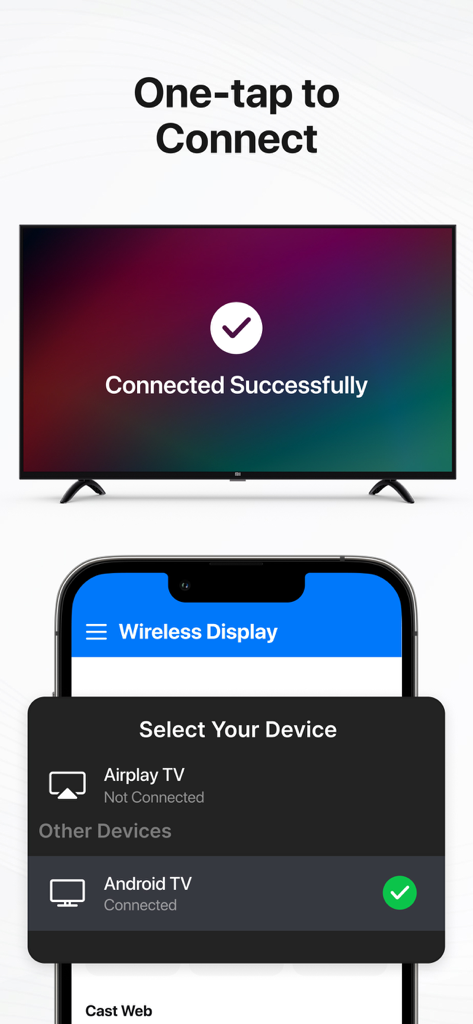
Connect a new TV in seconds with a browser URL — no apps or extra hardware.
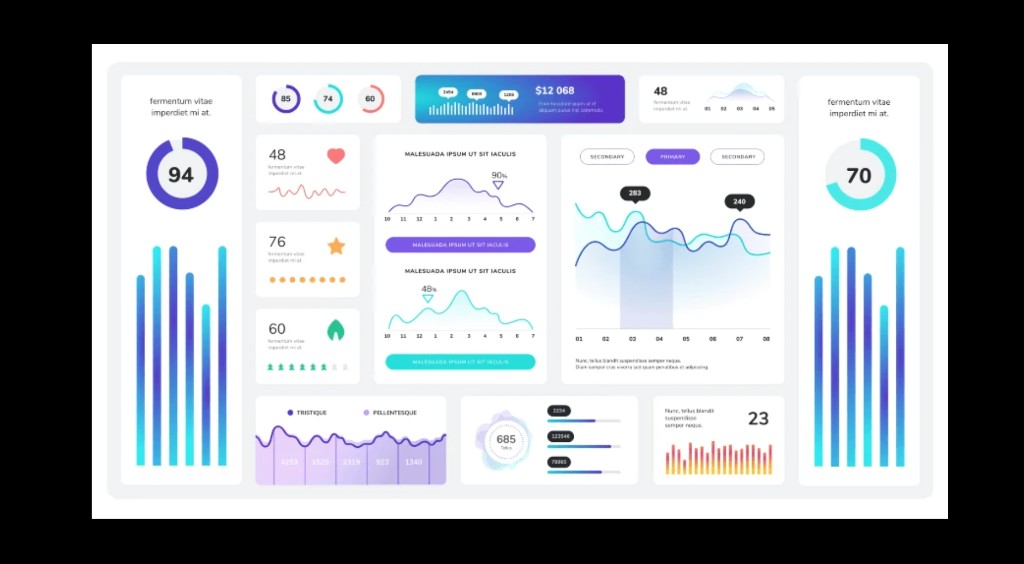
Monitor health and activity so you always know what’s on-air.
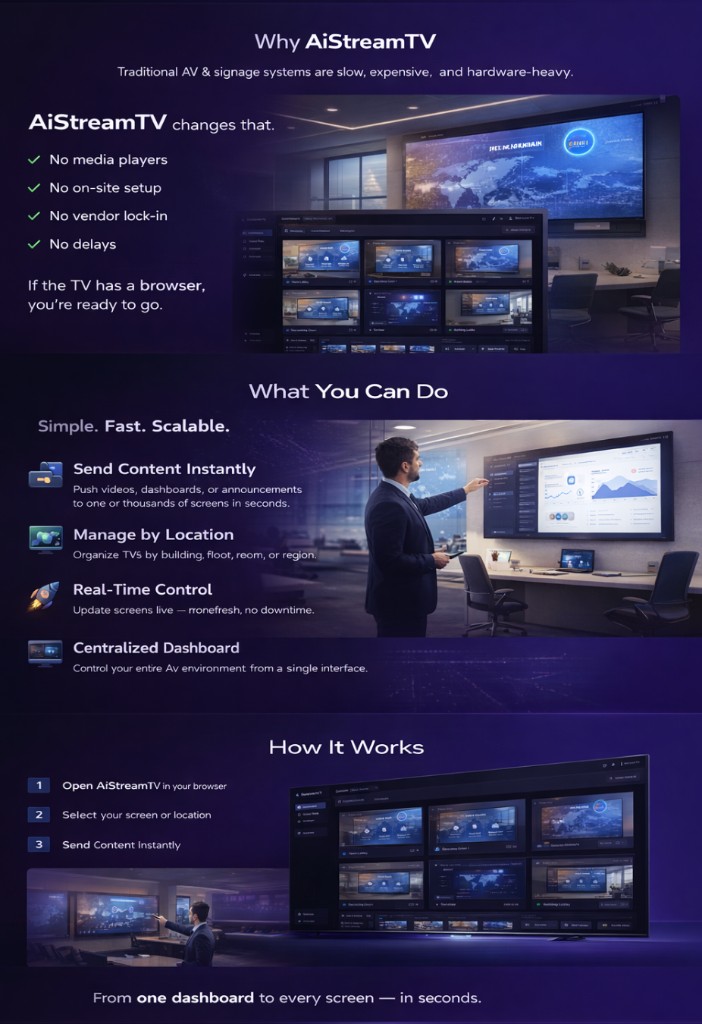
Pick a file, pick a screen, and you’re live — from anywhere.
Guests, operators, and admins each see exactly what they should.
AiCastTV is priced per screen, per month, with volume discounts as you add more screens. Start with a 14-day free trial — no credit card required.
Standard
For 1-10 screens
Volume
For 11+ screens
Have a question, need help setting up, or want to see a live demo? Select a topic below and we’ll get back to you within 24 hours.